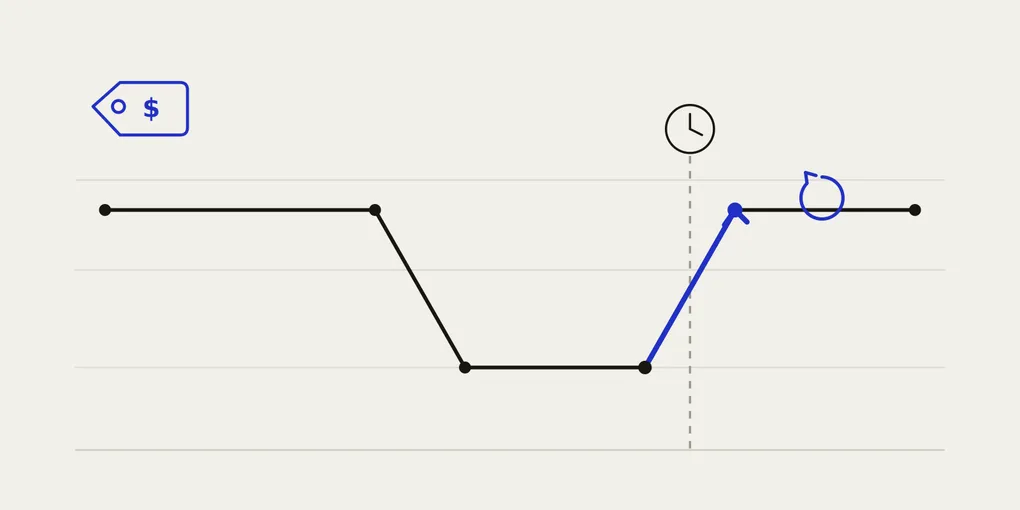
How to automatically revert prices after a sale on Shopify
You launched a flash sale. You dropped your prices, traffic came in, orders went up. The sale ends on Sunday at midnight — and on Monday morning, you are still selling at the discounted price.
Sometimes for hours. Sometimes for days. Every one of those orders eats the margin you meant to keep.
If you run a Shopify store on your own, this is one of those small problems that nobody warns you about until it has already cost you money. Here is why it happens, and how to stop doing it by hand.
Why “putting the price back” is harder than putting it on sale
Starting a sale is a single, satisfying action: pick the products, drop the price, done. Reverting is the opposite — it is a chore you have to remember at a specific time, often outside working hours, across every product you discounted.
Three things make it worse than it sounds:
- Timing. Sales tend to end late at night or on weekends. That is exactly when you are least likely to be at your desk changing prices.
- Volume. Discounting ten products takes a few minutes. Reverting ten products means finding each one again and remembering what its original price actually was.
- Memory. Once a product shows a sale price, the original price is gone from the screen. If you did not write it down, you are guessing.
The result is predictable: prices stay low longer than intended, and the “great sale” quietly loses part of the profit it was supposed to protect.
The manual method (and why it fails)
The do-it-yourself version goes like this:
- Before the sale, write down every product’s original price in a spreadsheet.
- Change each price by hand to the sale price.
- Set a reminder for when the sale ends.
- When the reminder goes off, open each product again and type the original price back in.
This works right up until the moment real life interferes — you are asleep, travelling, busy with a customer, or you simply forget. The whole system depends on a human being available at midnight with a spreadsheet. That is not a system, it is a single point of failure.
Native Shopify discount codes do not solve this either. A discount code changes what a customer pays at checkout, but it does not roll back the actual product price you set, and managing start and end windows across a catalogue by hand is still manual work.
The automatic method
The reliable way to handle this is to separate the two halves of a sale and let software hold the part humans forget:
- Snapshot the original price first. Before any discount is applied, the original price of each product is saved. This is the piece the manual method always loses.
- Apply the discount. The sale price is calculated from that saved original — not from whatever is currently on the page — so re-running or editing a sale never compounds the discount.
- Schedule the end. You set a date and time for the sale to finish, in your store’s own timezone.
- Revert automatically. When that time arrives, every discounted product is restored to its saved original price, without you touching anything. No 2 a.m. reminder, no spreadsheet.
The key idea is the snapshot. Because the original price is stored before the discount, the system always knows exactly what to put back — even if the sale ran for a week and you lost track.
Where Boomr fits in
This is exactly the problem Boomr: Sale Scheduler was built to remove. You select your products, set a discount and an end date and time, and Boomr does the rest: it snapshots each original price, applies the sale, and automatically reverts everything when the sale ends. You can also restore prices manually at any time if plans change.
It runs quietly in the background, which means the sale ends on time whether or not you are awake to watch it.
The takeaway
Starting a sale is the easy half. The half that protects your margin is making sure prices go back up the moment the sale is over — on time, every time, without depending on you remembering. Automate the revert, and a finished sale stays finished.